 KeepInventory
Approvals you can find later
The estimate goes out, the customer says yes, and the job records who approved what and when.
RO-1043 · 2019 Ford F-150 XLTAwaiting approval
Priya Natarajan$551.31
Estimate sent 2 hr agoEstimates, approvals, the schedule, parts and payments for independent auto repair shops. In your browser or on Windows.
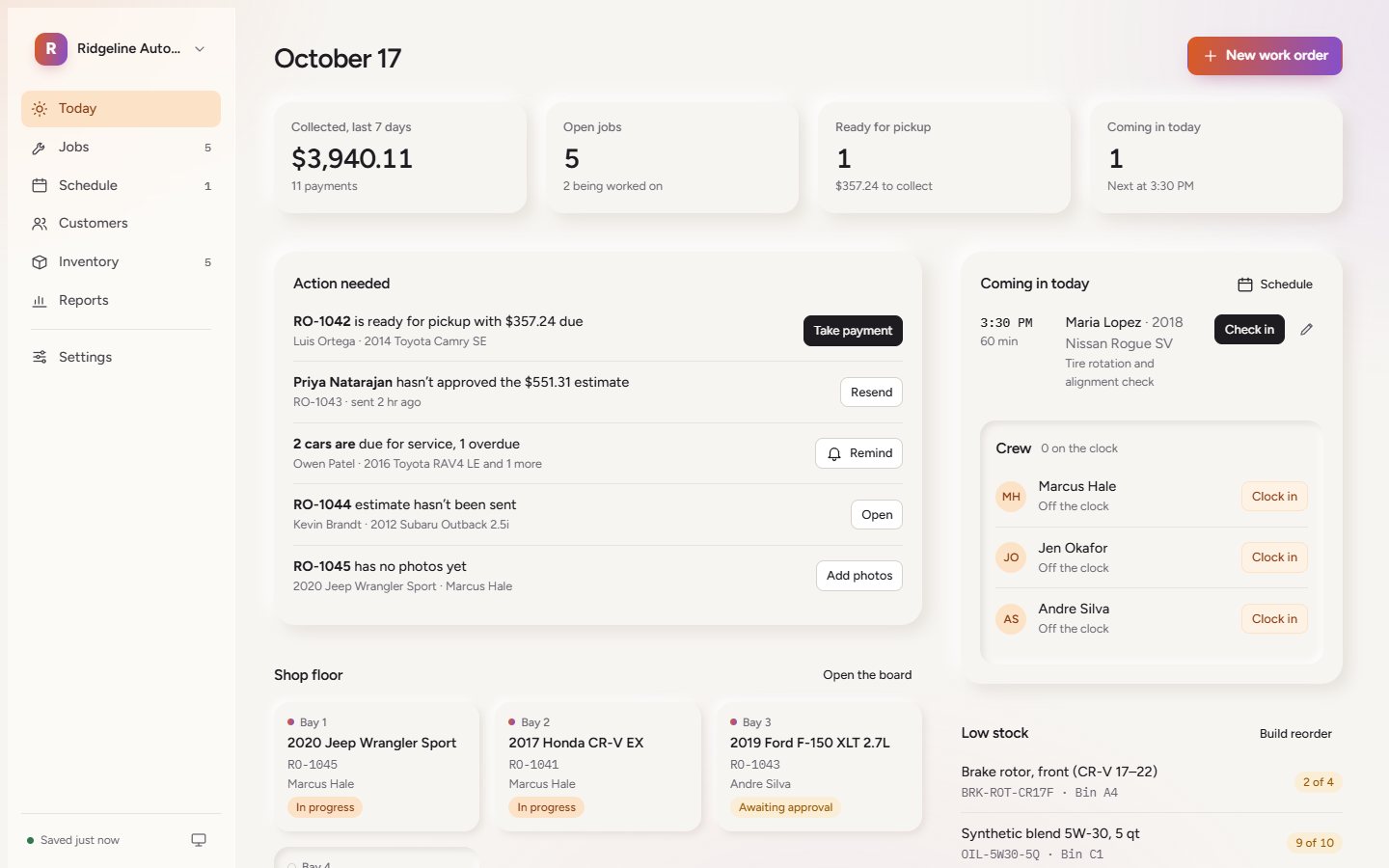
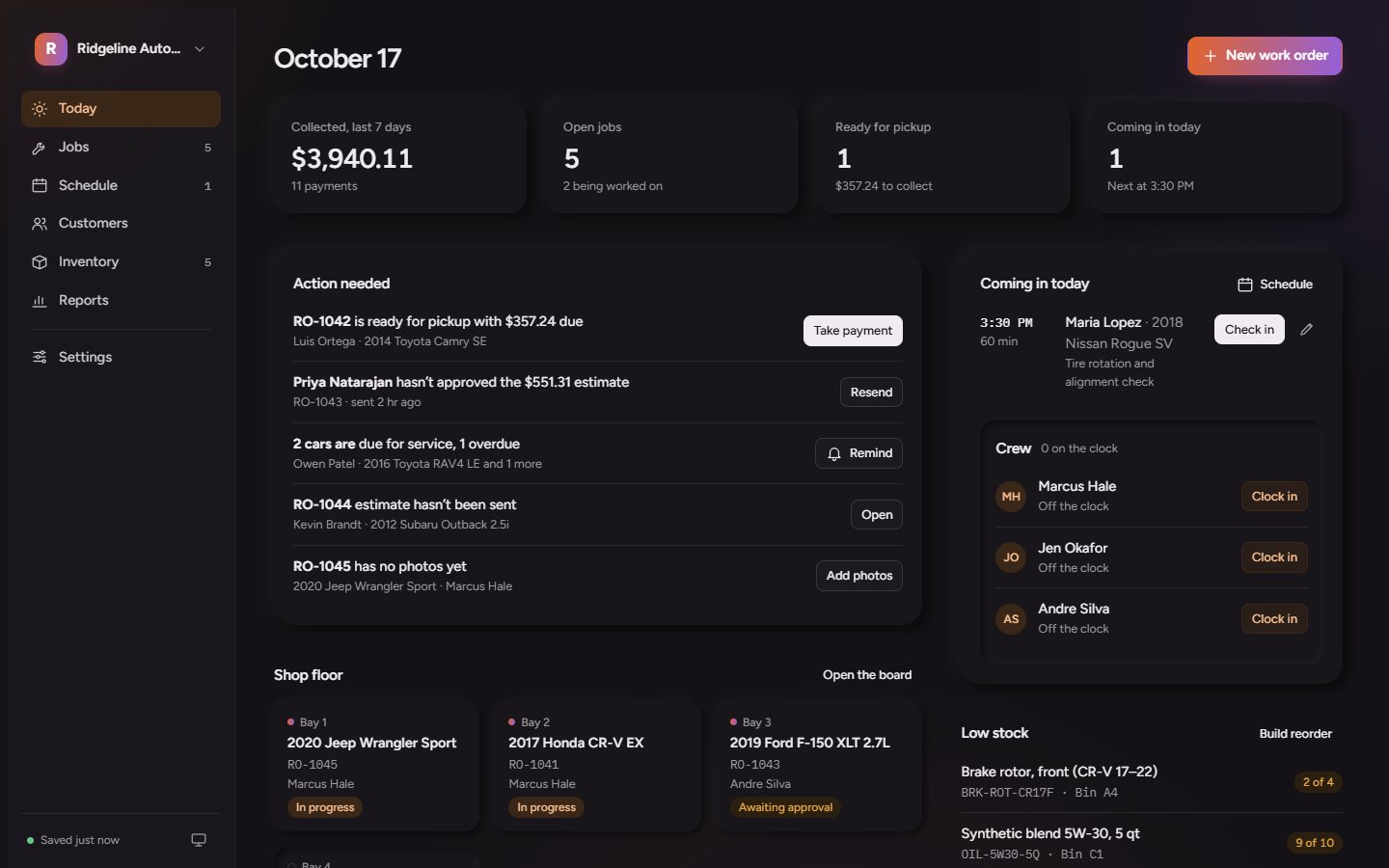
Every job moves through the same five stages. The board, the Today screen and your reports all follow along.
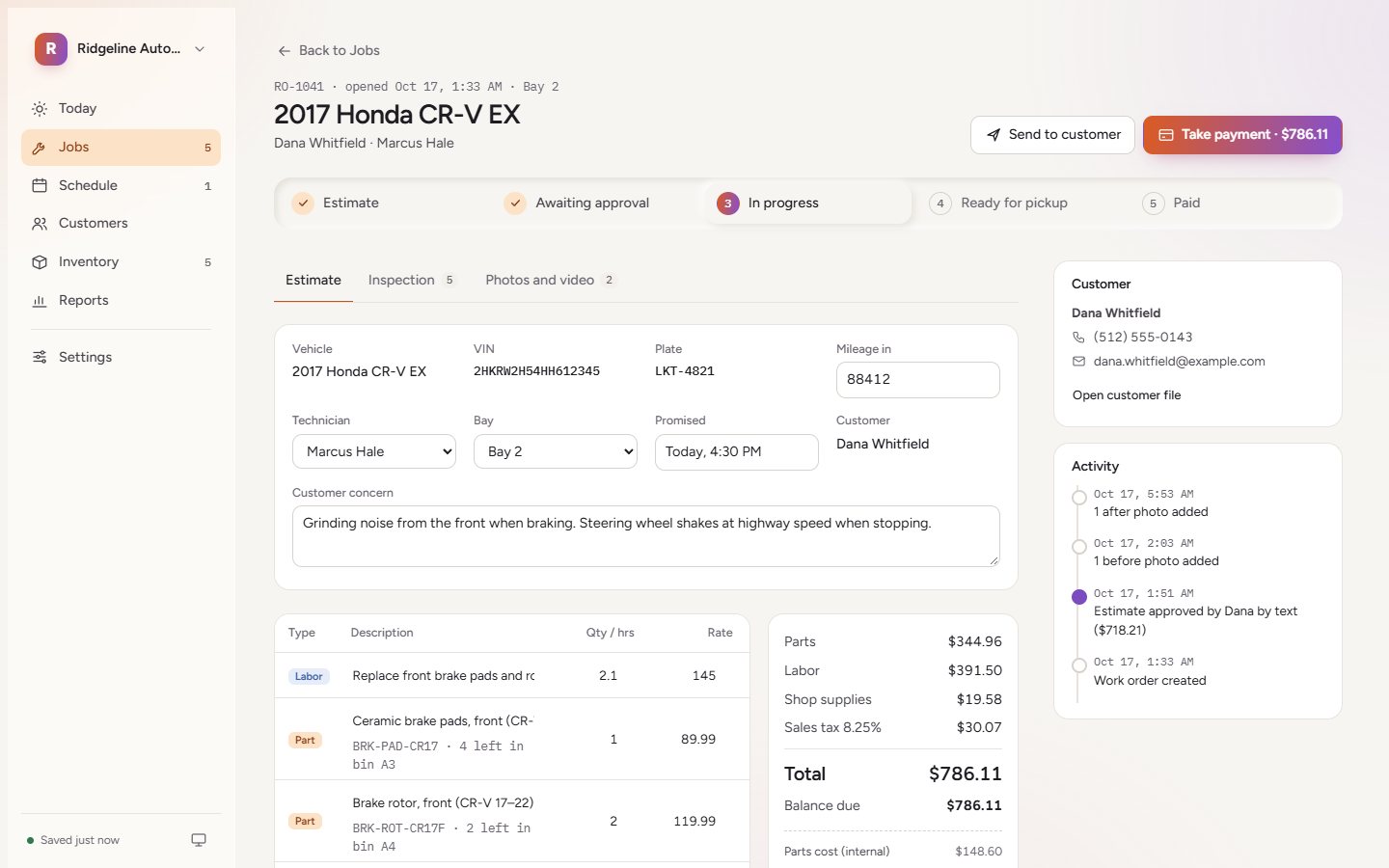
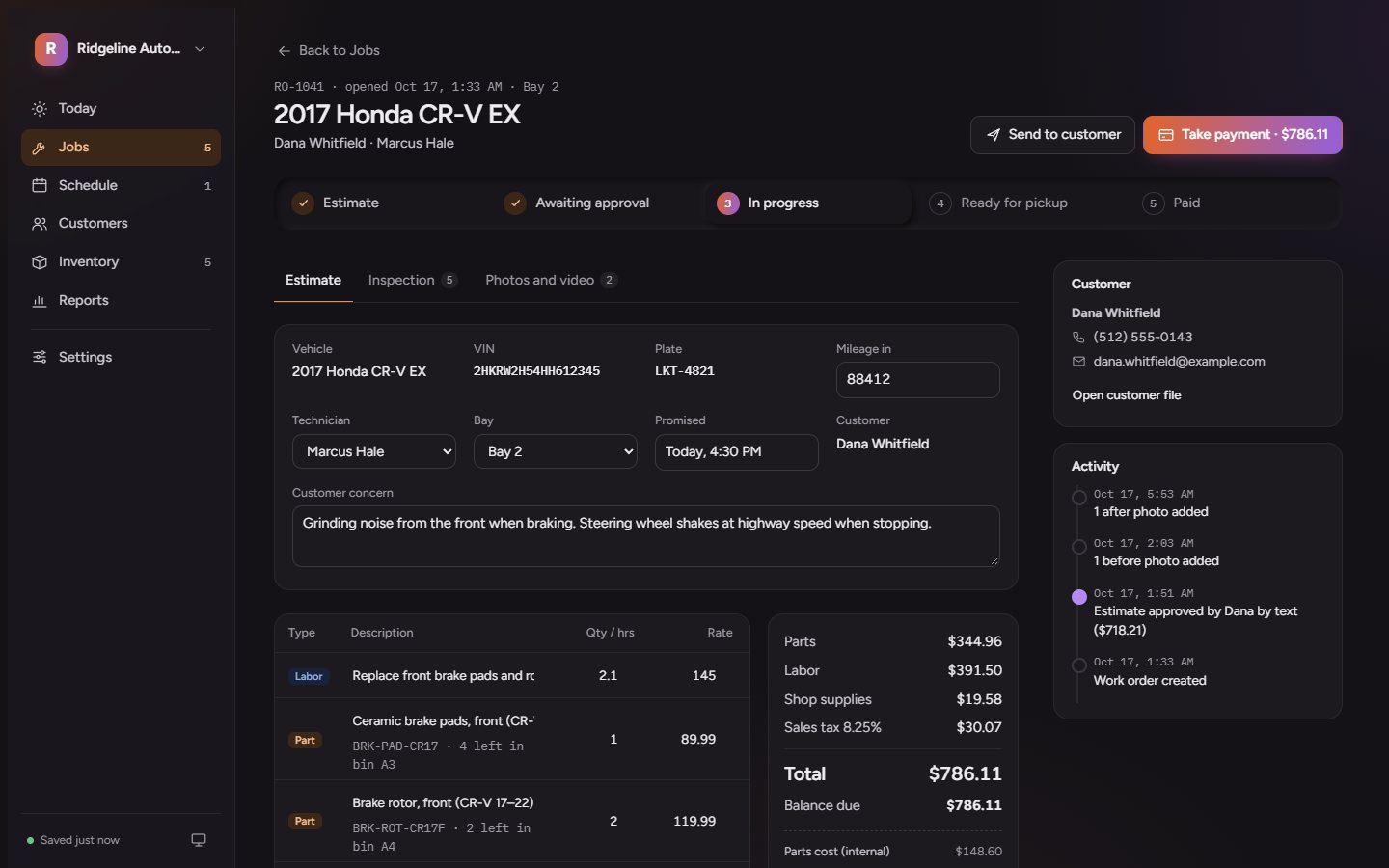
The estimate goes out, the customer says yes, and the job records who approved what and when.
Put a part on a job and the count drops. Low stock builds the reorder.
Mileage and dates are tracked per car, so the reminder list writes itself.
Time clock, timesheets and billed hours per tech, ready for the pay period.
Use it in a browser, install it on the front-desk PC, or add it to a phone's home screen.
Everything starts on your computer. You decide when it goes online.
Customers, cars and parts come in from a spreadsheet, so you are not retyping anything.
Back up the whole shop to a file whenever you want a copy you control.
Export payments and sales for your accountant at the end of the month.
Put the shop online when the front desk and the office both need it.
Yes. Open the sample shop, Ridgeline Auto Repair, and use it like your own: write estimates, move jobs, take payments. When you are ready, create your shop from the shop menu.
It keeps working when the connection drops. Your shop is saved on the computer you use, and a connection only matters when you turn on online sync for a second device.
Yes. Import customers, vehicles and parts from a spreadsheet (CSV). Inventory also has its own CSV import.
Set your labor rate, tax rate and shop supplies once in Settings. Every estimate and invoice uses them.
Any modern browser, a Windows app for the front-desk PC, or a phone or tablet added to the home screen.
No account needed to look. Your shop takes a few minutes to set up.